Labour positions that actually help (and when to use them)
Movement is one of the simplest comfort tools in labour. Changing position regularly can improve comfort and may help create space for your baby to rotate and descend. There is no required timetable: follow comfort, energy, monitoring needs and guidance from your care team.
Early labour: rest and rhythm
- Walking and stair-climbing (sideways, two at a time) to encourage descent.
- Side-lying with a pillow between the knees — for actual sleep, which you'll want later.
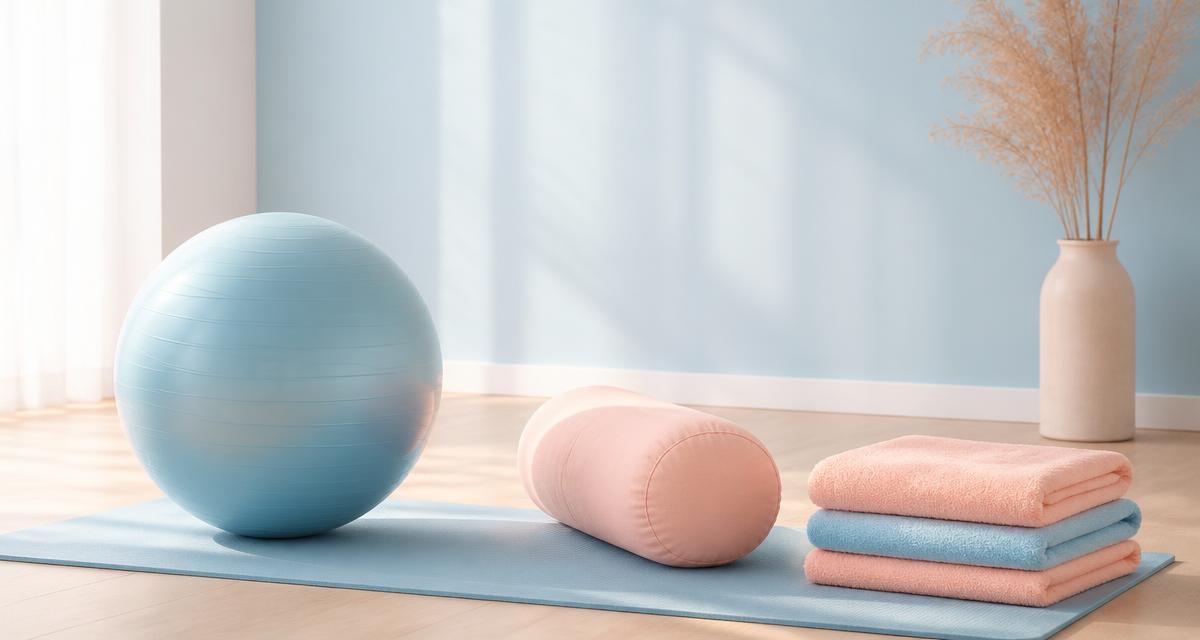
- Sitting on a birth ball with slow hip circles while you watch something distracting.
Active labour: upright and forward-leaning
Gravity is on your side when you are upright, and leaning forward gives the baby room to rotate into a good position.
- Standing and swaying, leaning on your partner or the bed.
- Hands and knees — excellent for back labour and posterior babies.
- Lunges with one foot on a chair, alternating sides, to open one side of the pelvis at a time.
- Leaning over a raised bed head or birth ball while someone applies counter-pressure to your sacrum.
- Sitting backwards on a chair or on the toilet — the "dilation station" for a reason: it relaxes the pelvic floor.
With an epidural or continuous monitoring
An epidural does not always mean lying flat on your back. With help from staff, you may be able to use a peanut ball, alternate sides and try supported upright positions in bed. Monitoring and mobility options differ, so ask in advance what your hospital can safely accommodate.
Pushing
Side-lying, hands and knees, and semi-upright supported squats all open the pelvic outlet more than flat-on-back pushing. Follow your body where you can, and let your team know in advance that you'd like to try positions other than lithotomy.
Share this article
Tap “Save image” first so the picture is in your photo gallery. Then tap “Share on Instagram” — the caption is copied automatically and Instagram opens. Add the saved picture to your story, paste the caption, and use a link sticker for the article link.
Want to talk this through?
A free 30-minute discovery call is the easiest place to start.